View Your Profile
See your personal information and membership details.
1
Click "My Profile" in the Menu
Look at the top of the page. Click My Profile in the navigation bar.
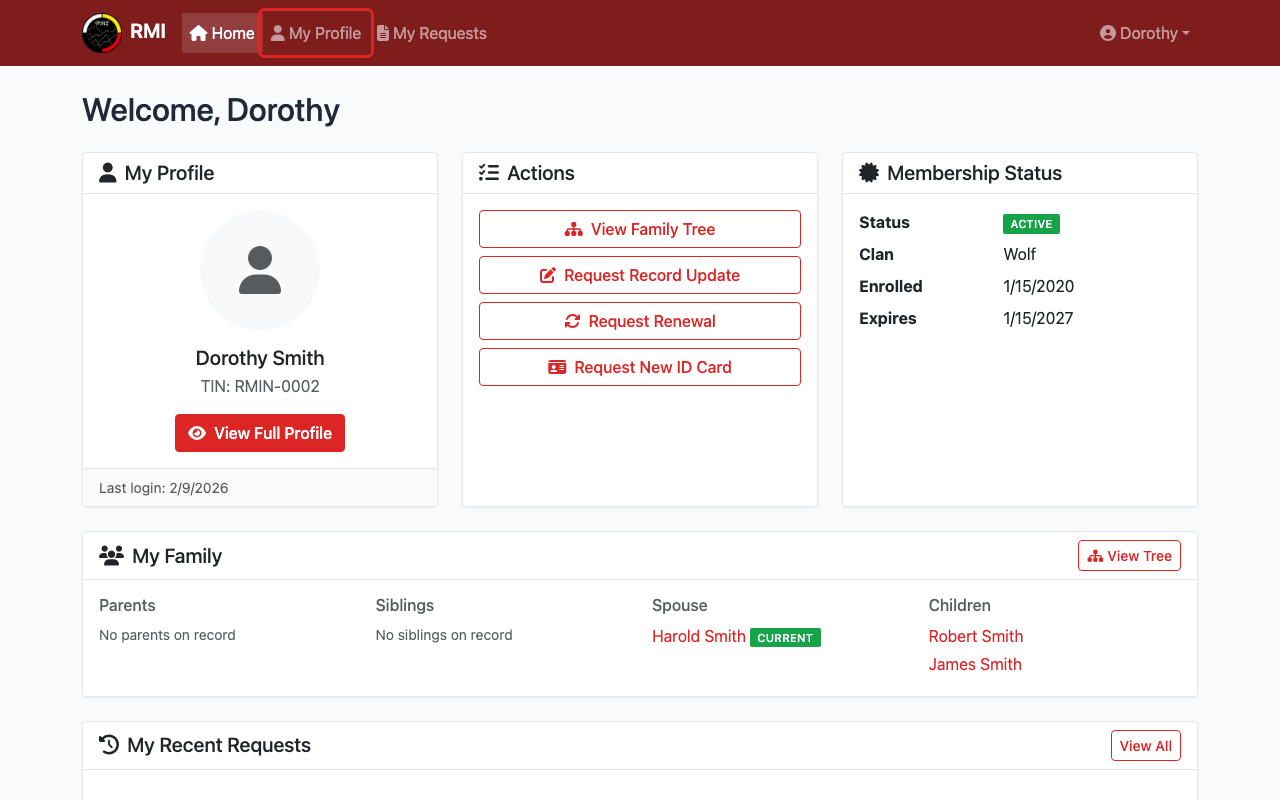
Click My Profile in the top menu.
2
See Your Personal Information
Your profile page shows your name, photo, and Tribal ID Number.
It also shows your membership status and clan.
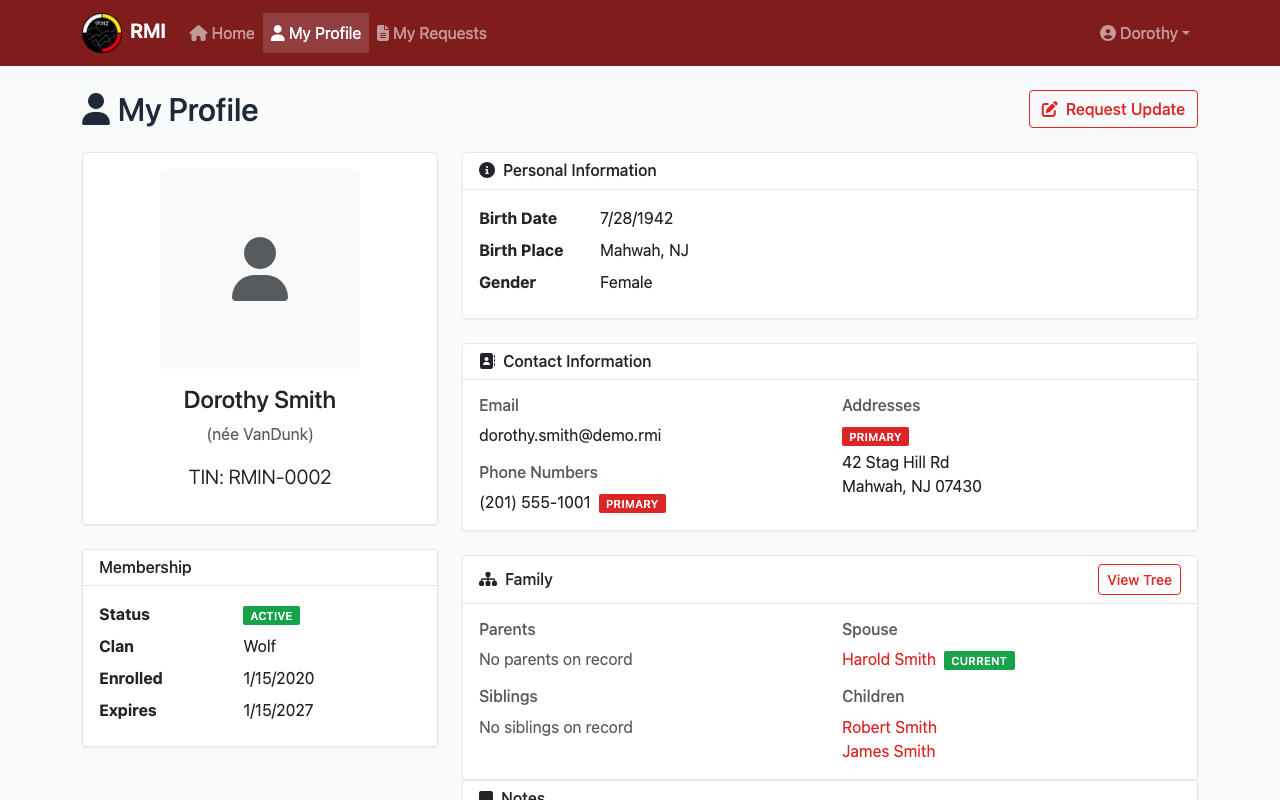
The top of your profile page.
3
See Your Contact Information
Scroll down to see your email, phone numbers, and addresses.
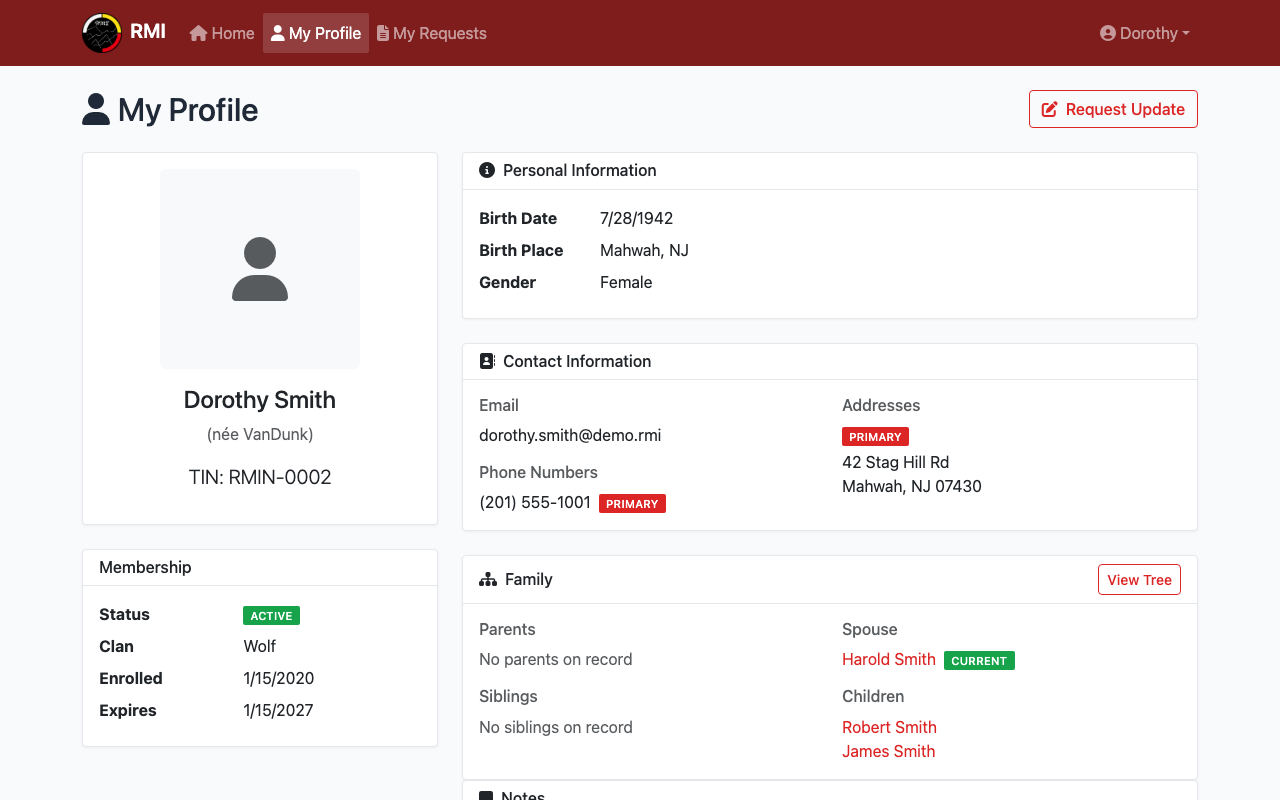
Your contact information.
4
See Your Family
Scroll down further to see your family members.
This shows your parents, siblings, spouse, and children.
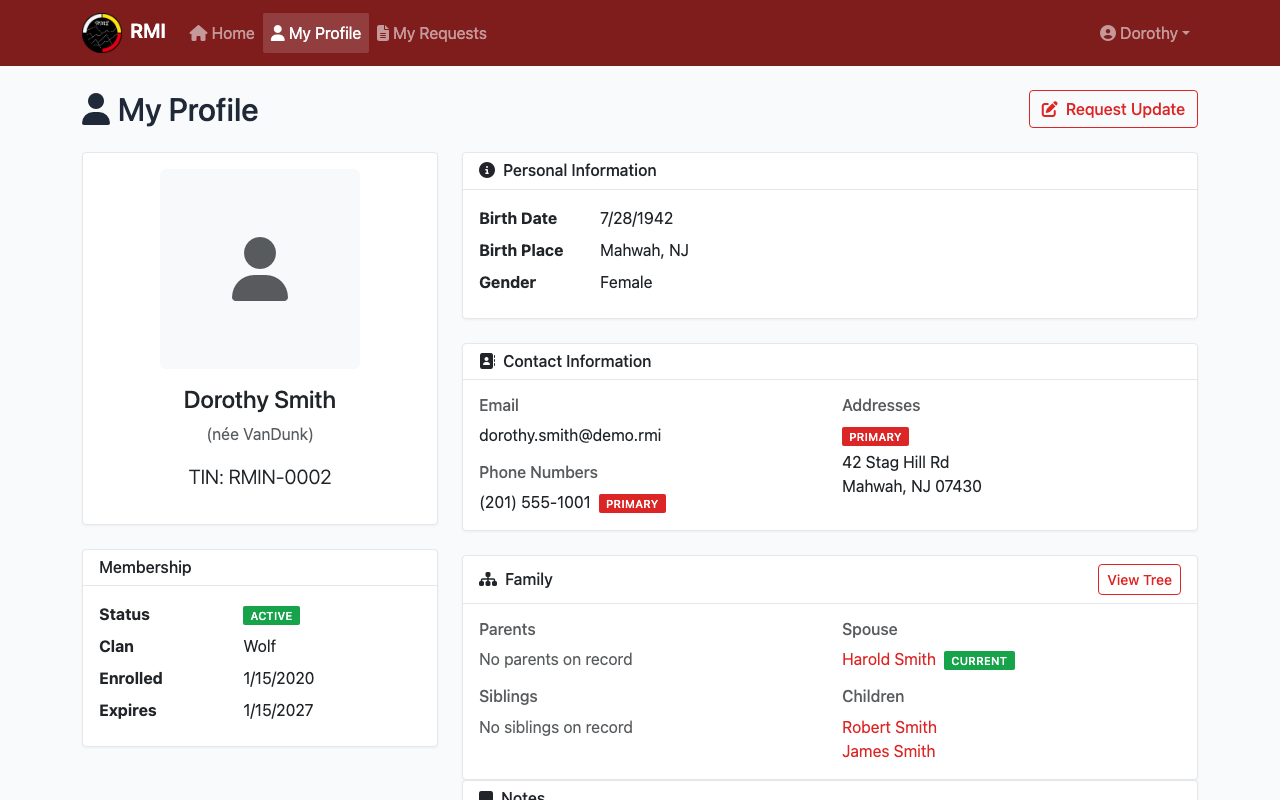
Your family connections.
Tip: If any information is wrong, you can request an update.
What's Next?
- Request a record update if anything needs to be changed.
- View family profiles to see more about your relatives.