Request a Record Update
Ask to change your name, address, or other details.
Click "Request Record Update"
On your dashboard, click Request Record Update in the Actions card.
You can also click Request Update on your profile page.
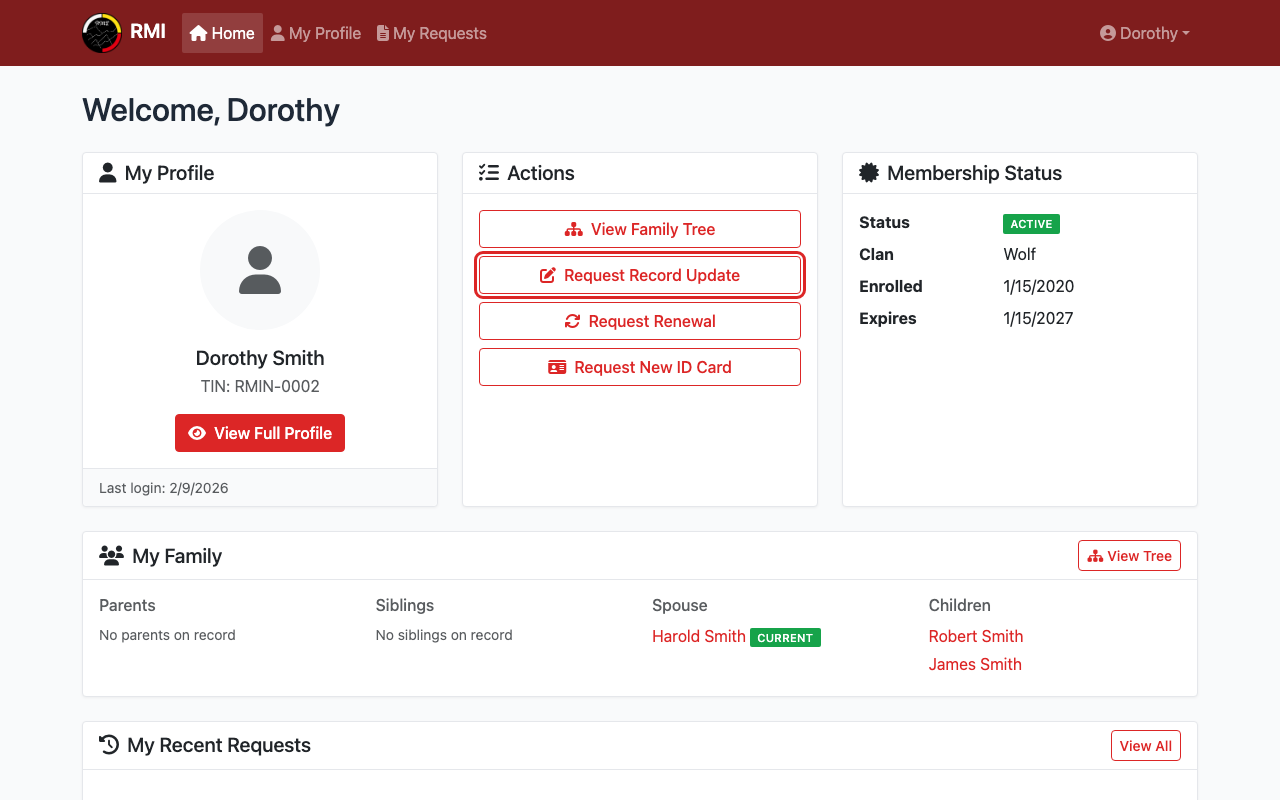
Click Request Record Update on your dashboard.
Edit Your Personal Information
The form shows your current details.
Change any fields that need updating.
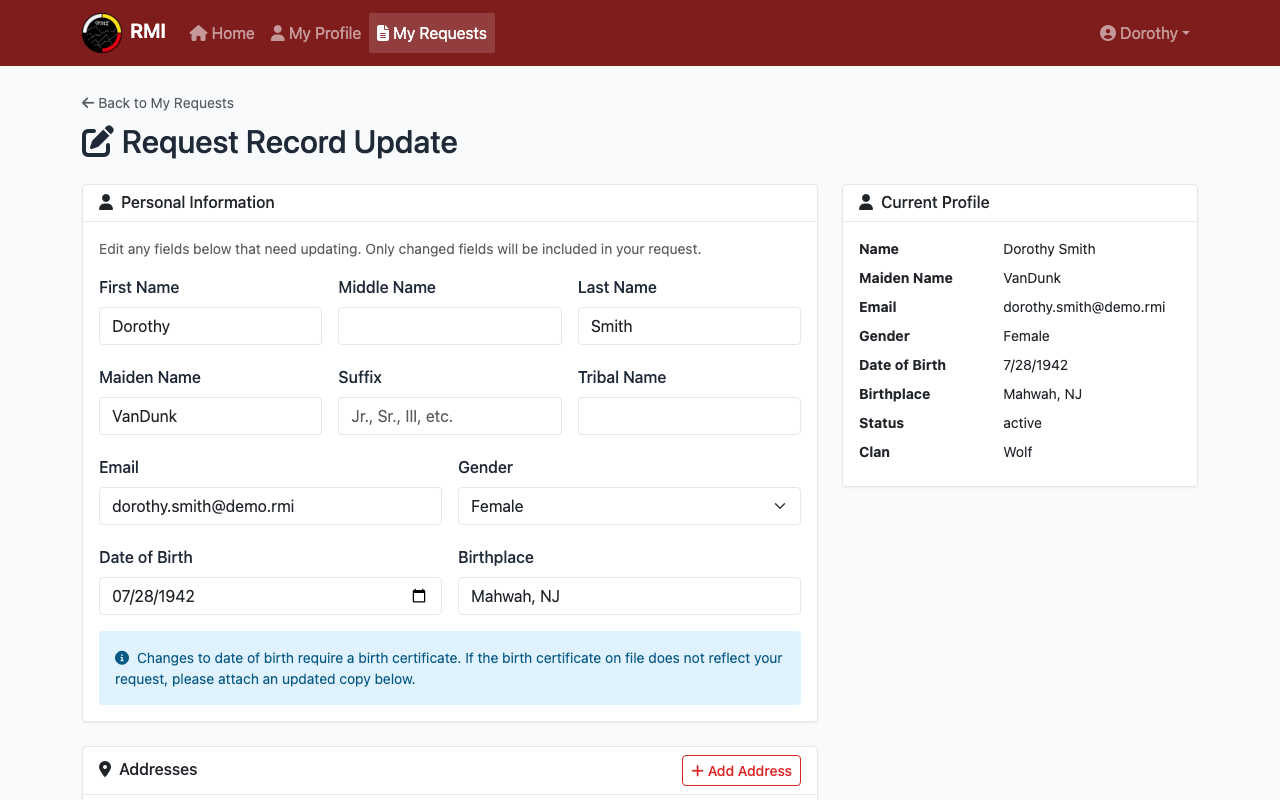
Edit any fields that need to be changed.
Edit Your Address or Phone
Scroll down to change your address or phone number.
Click Add Address or Add Phone to add new ones.
Check Remove this address to remove an old address.
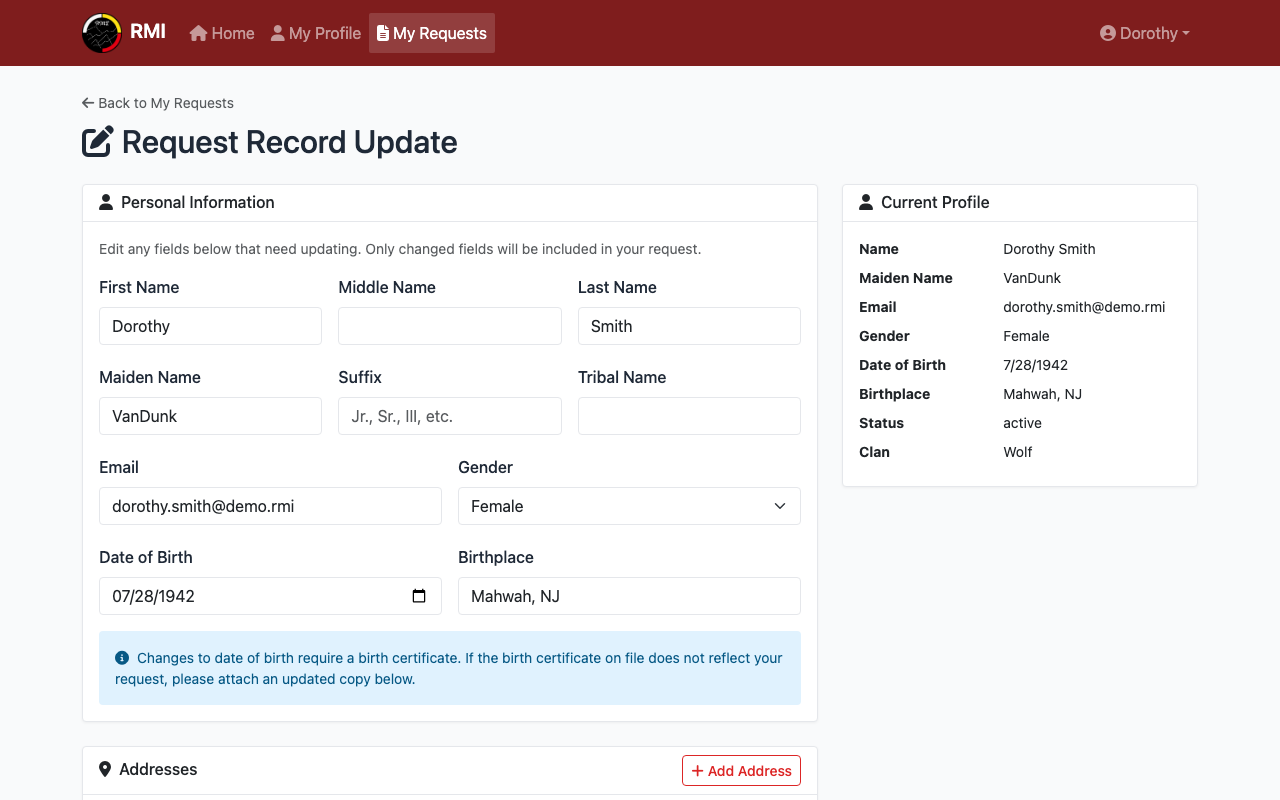
Change your address or phone number.
Explain Your Changes
Scroll to the Additional Information section.
Write a short explanation of what you are changing and why.
This field is required.
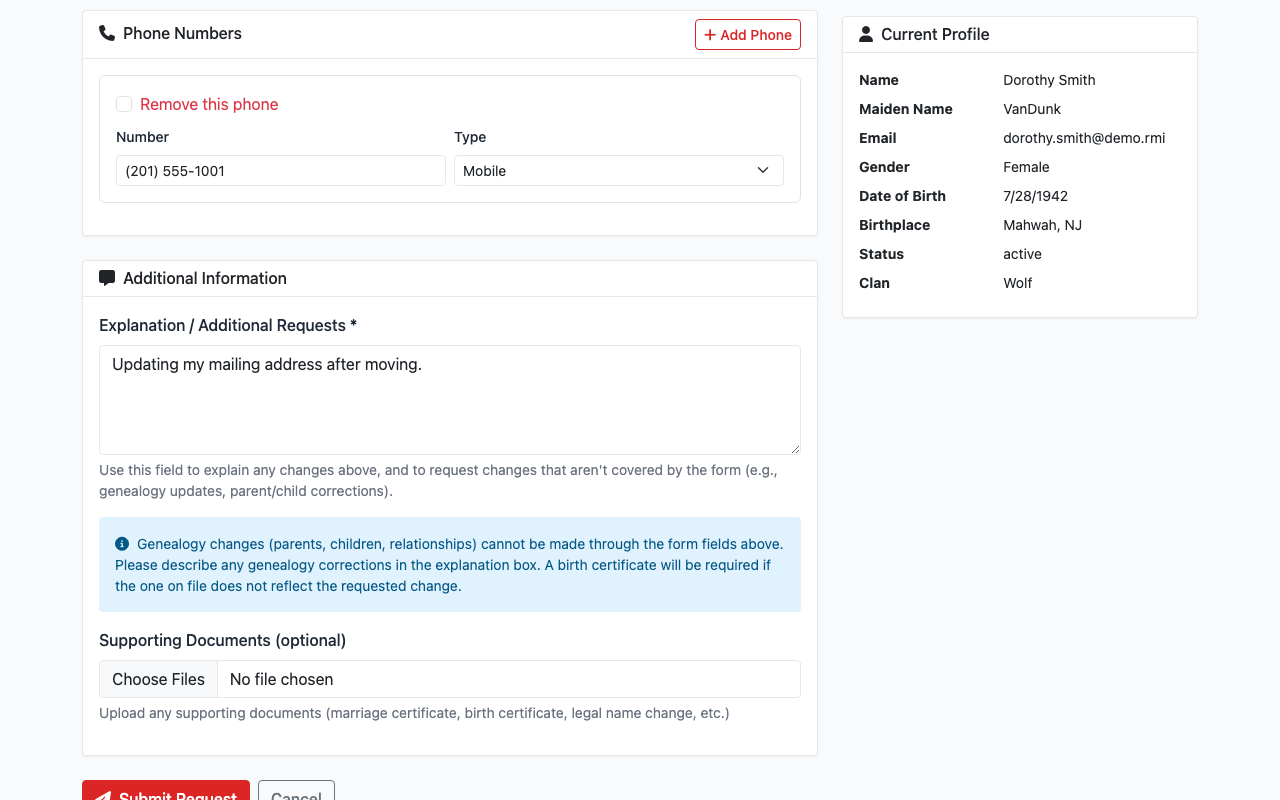
Write a short explanation of your changes.
Upload Documents (Optional)
If you have documents to support your changes, attach them.
Examples: marriage certificate, legal name change order.
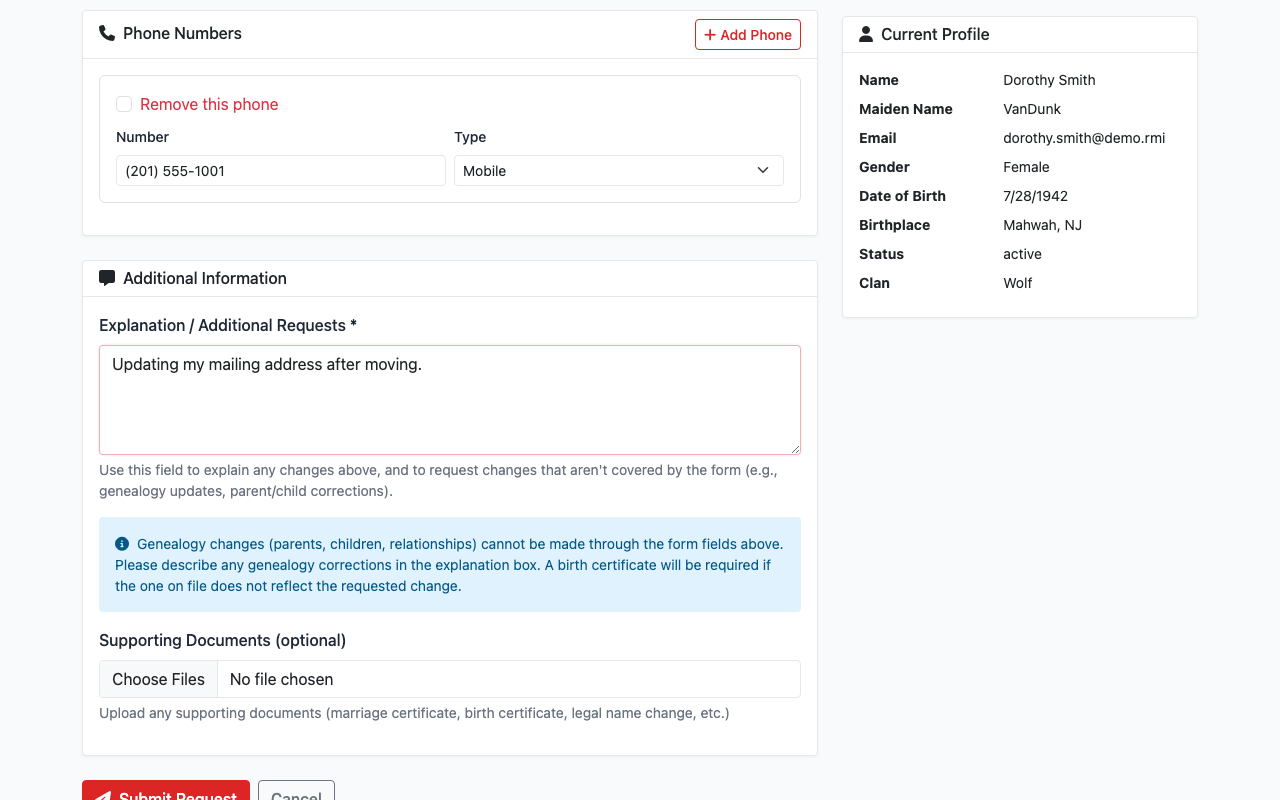
Attach supporting documents if needed.
Submit Your Request
Click the Submit Request button.
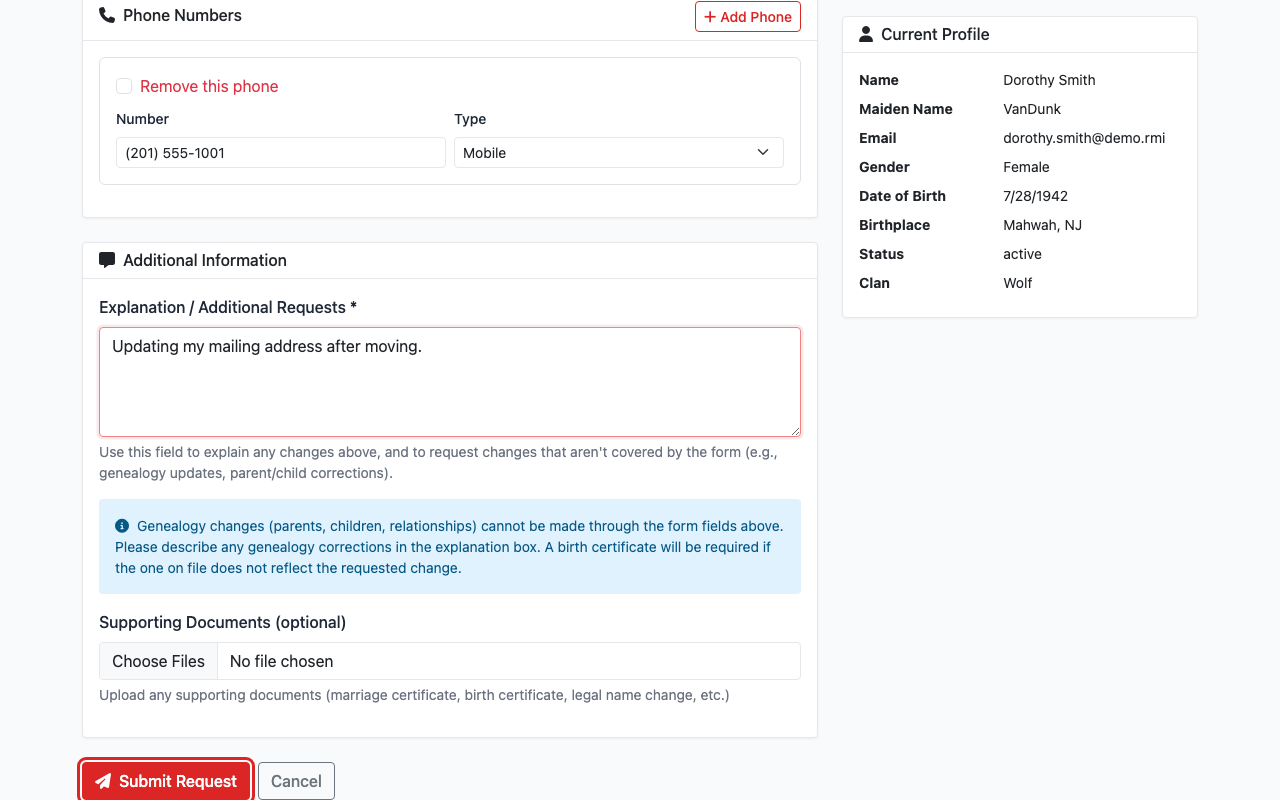
Click Submit Request when you are done.
Wait for Approval
Your request will show as Pending.
Tribal staff will review and approve your changes.
You can check the status on your My Requests page.
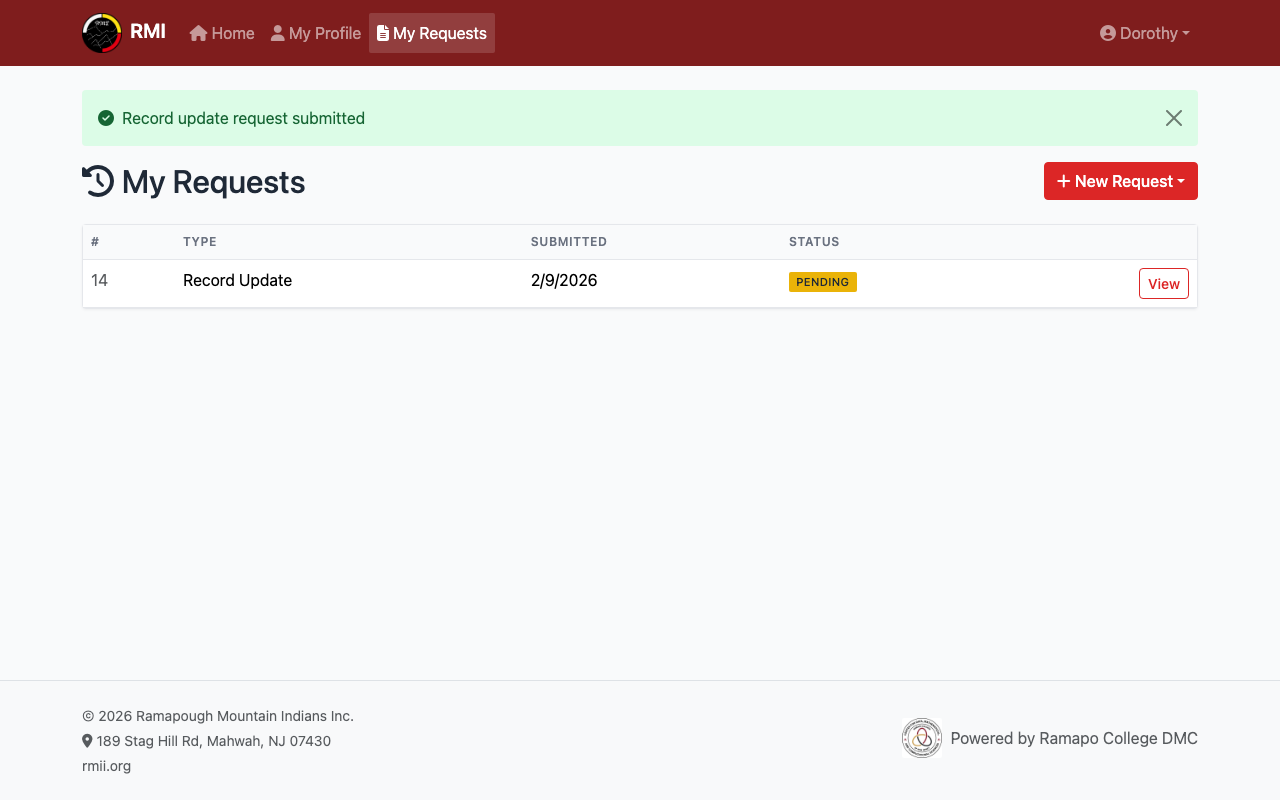
Your request is pending review.
What's Next?
- View your profile to see your current details.
- Renew your membership if it is expiring soon.