View Family Profiles
See profiles of your family members and your family tree.
Note: Only heads of family can view family member profiles. If your family names are not clickable, you do not have this access.
1
Find Your Family on the Dashboard
On your dashboard, scroll down to the My Family section.
You will see your parents, siblings, spouse, and children.
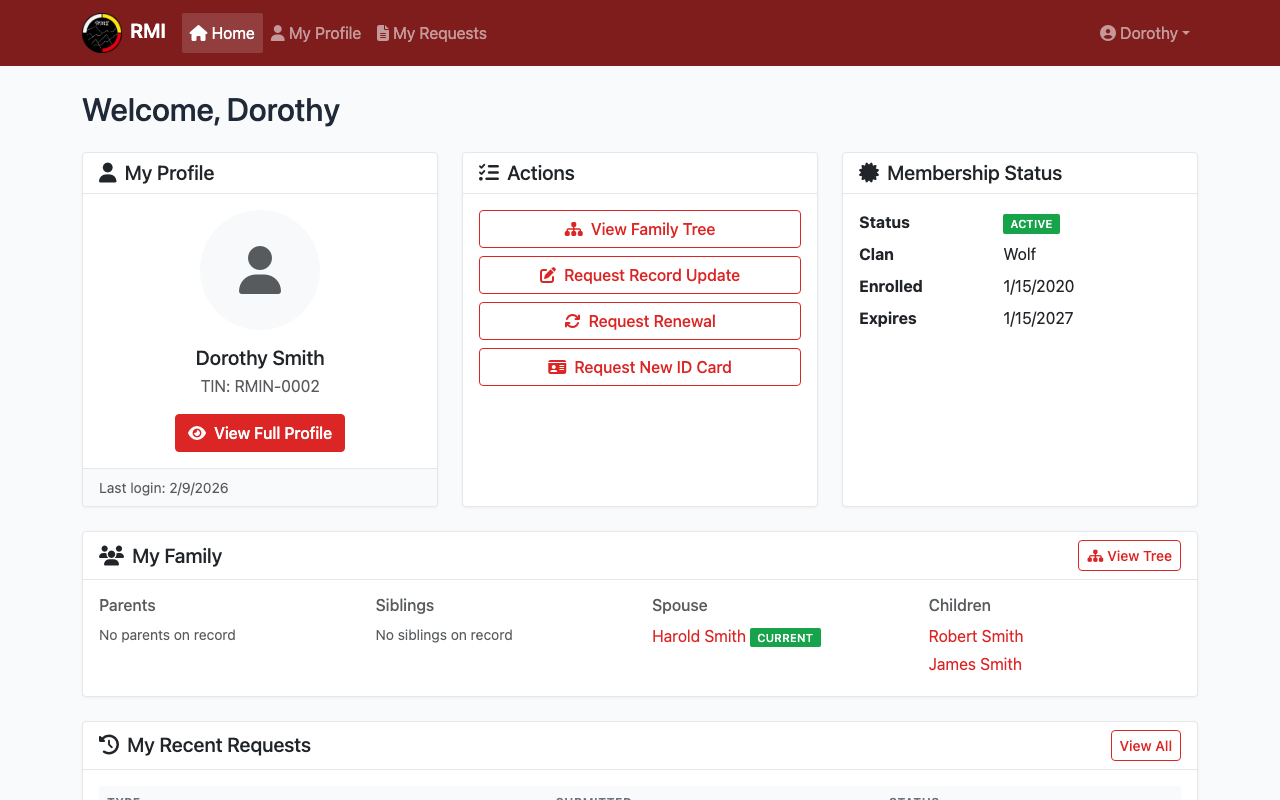
The My Family section on your dashboard.
2
Click a Family Member's Name
If you are a head of family, the names will be clickable links.
Click a name to view that person's profile.
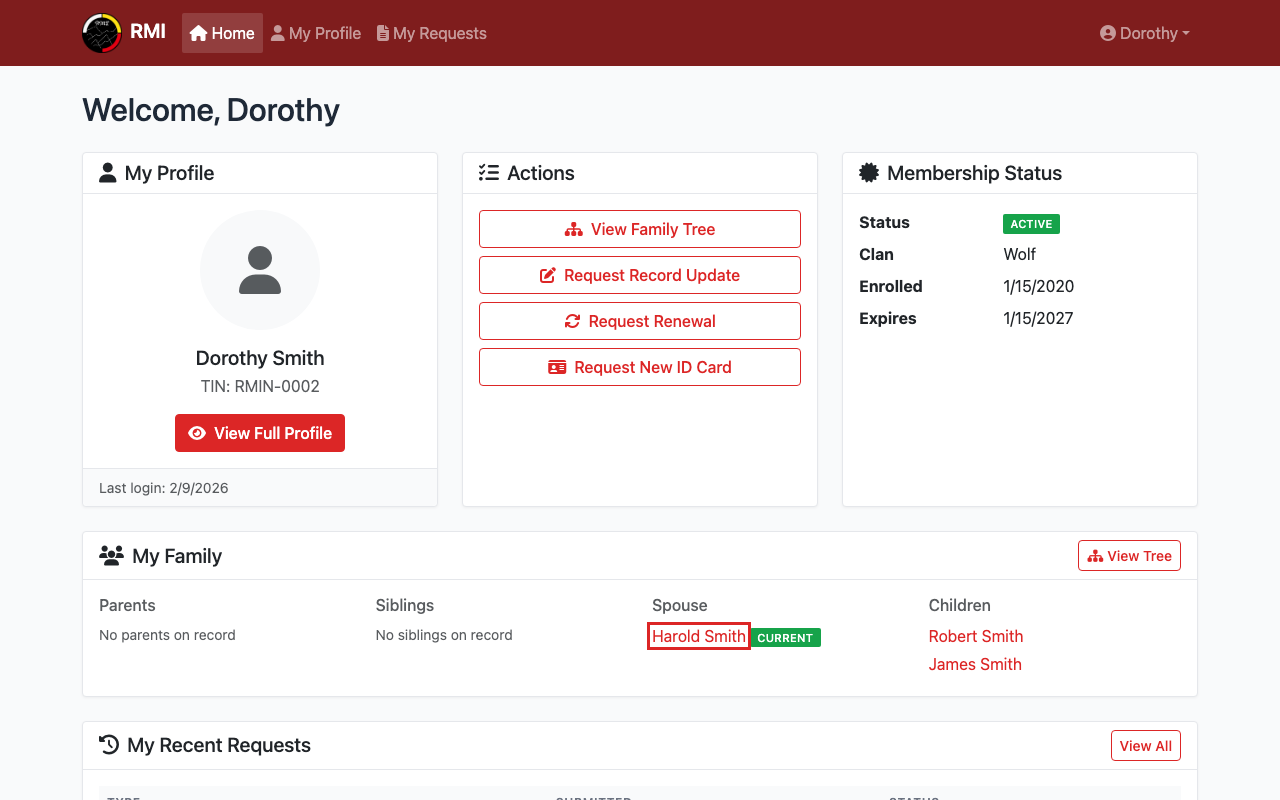
Click a family member's name to view their profile.
3
View a Family Member's Profile
You can see their name, status, and contact information.
This is a read-only view. You cannot make changes.
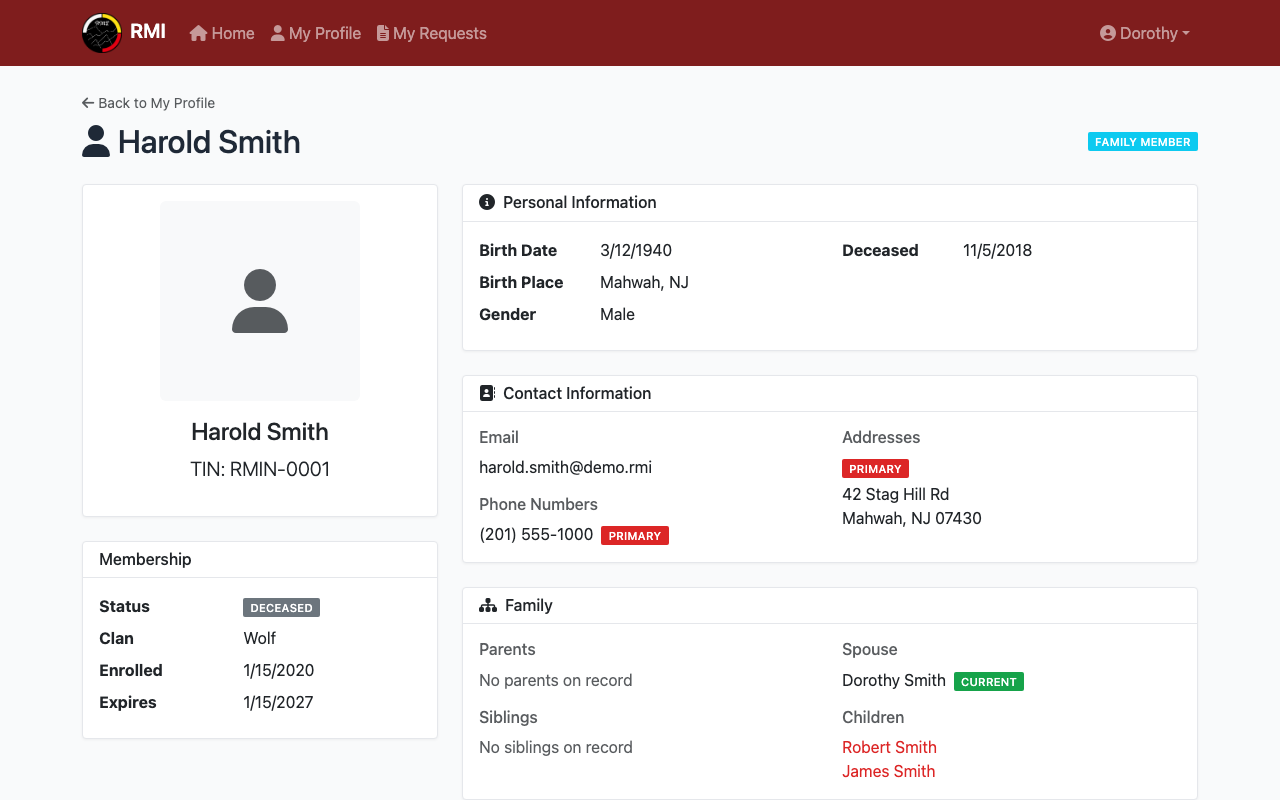
A family member's profile page.
4
View Your Family Tree
Click View Family Tree on your dashboard or profile.
This shows a visual tree of your family connections.
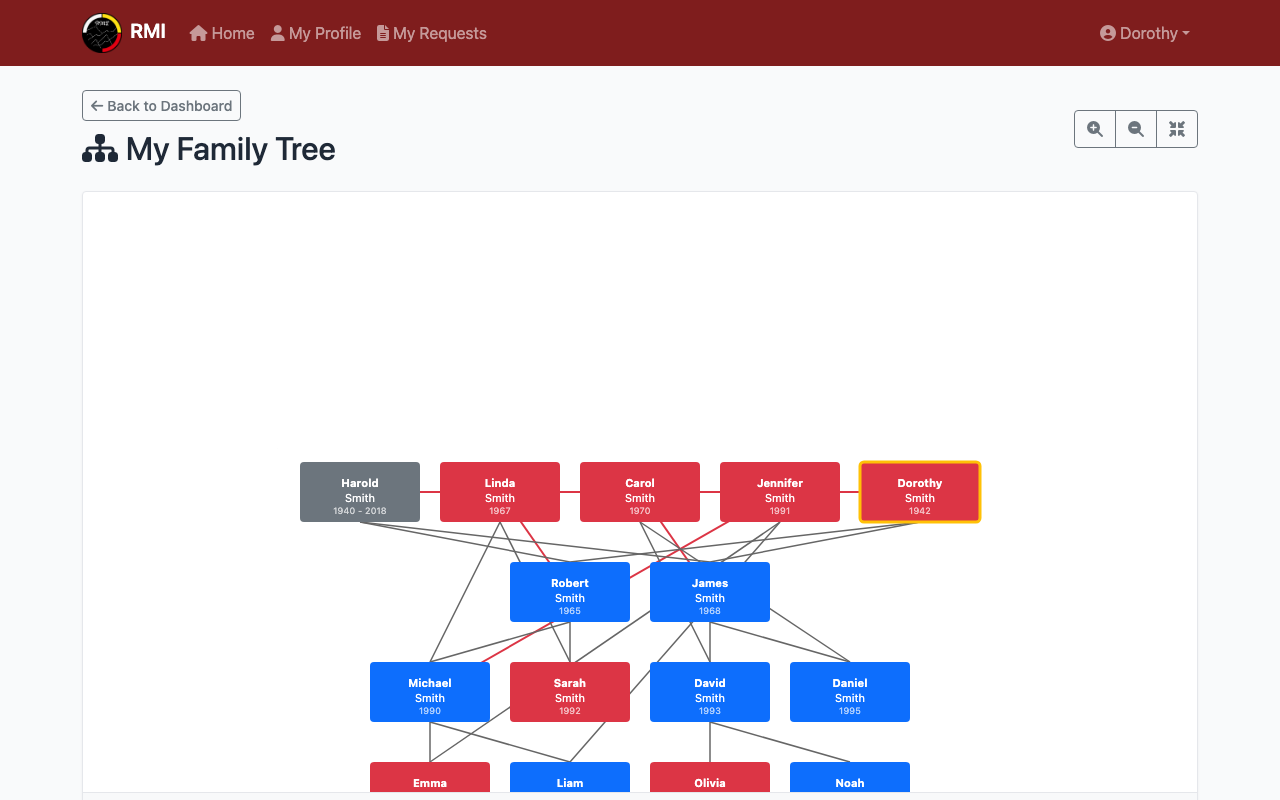
The family tree view.
What's Next?
- Request a record update if family information is wrong.
- View your own profile to check your details.