Log In with a One-Time Code
Sign in using a code sent to your email or phone.
1
Go to the Login Page
Open the membership website. You will see the login page.
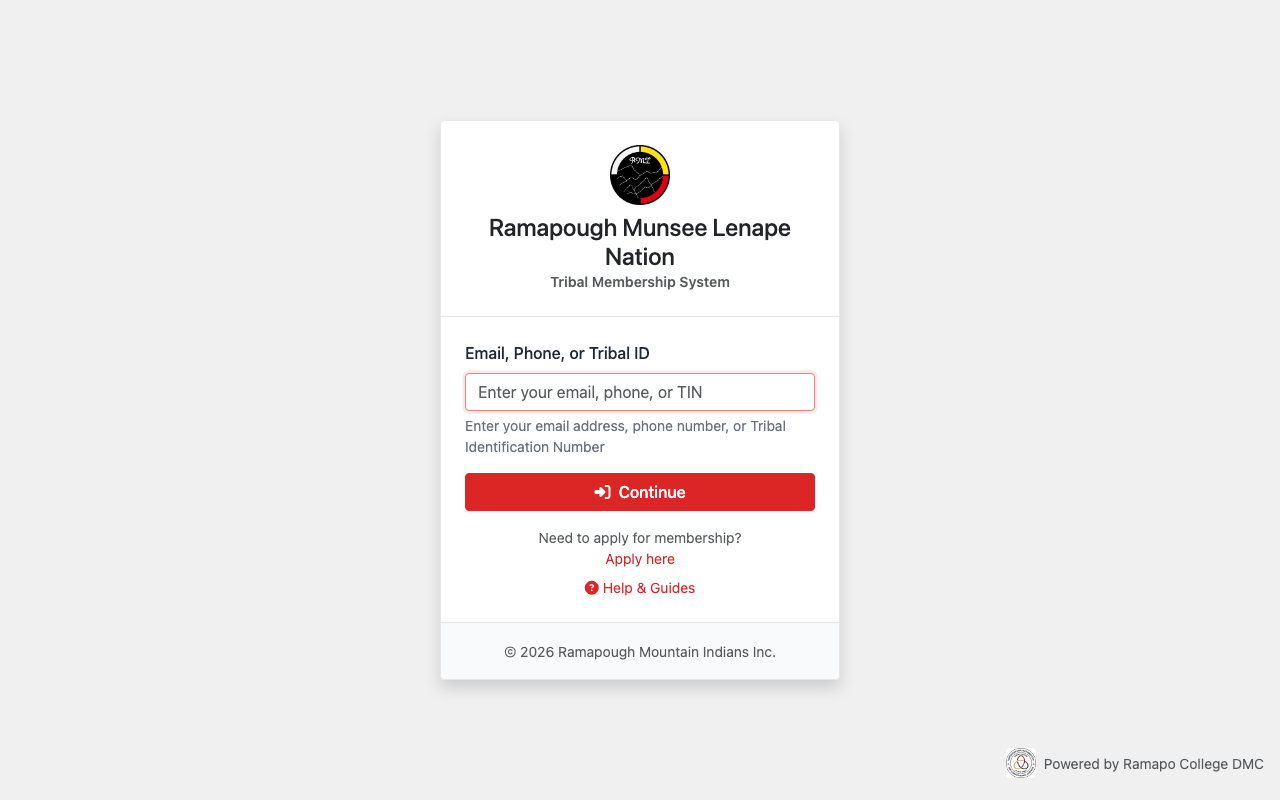
The login page.
2
Enter Your Email, Phone, or Tribal ID Number
Type your email address, phone number, or Tribal ID Number.
Then click Continue.
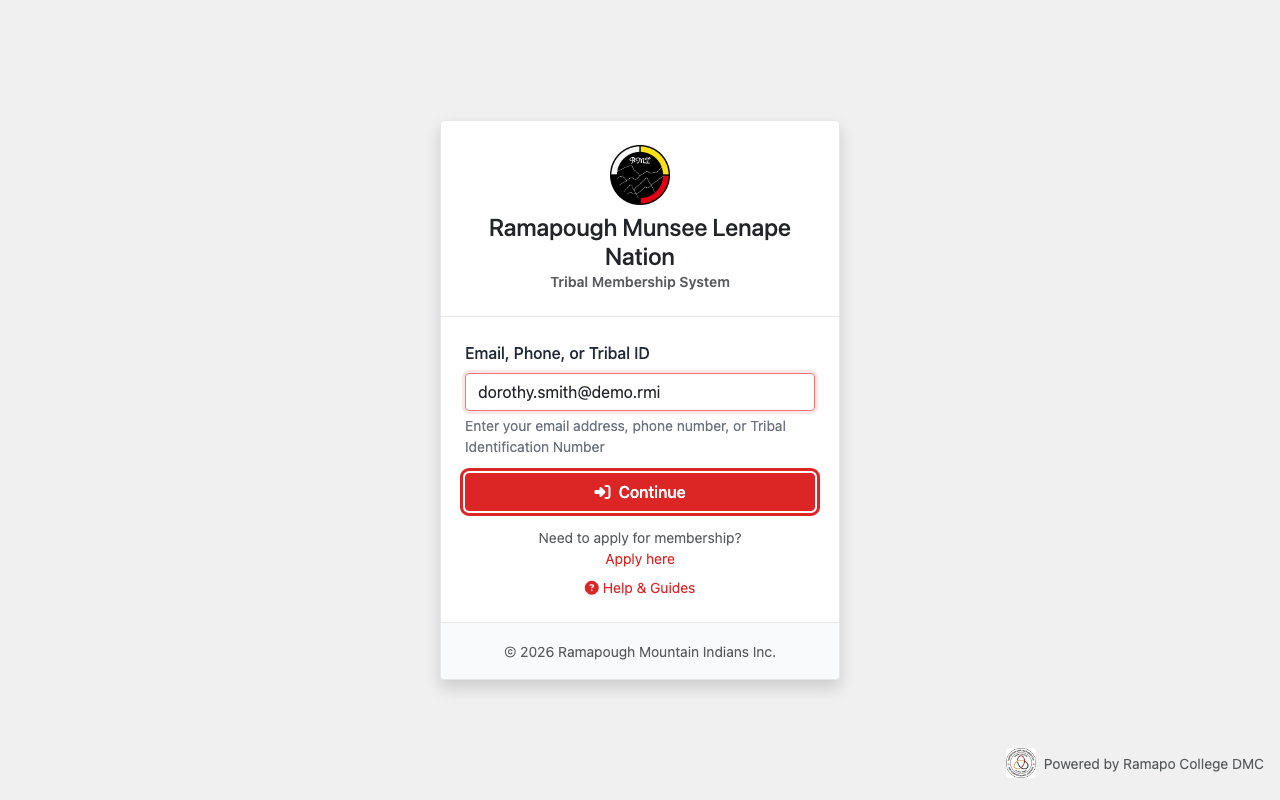
Type your email and click Continue.
3
Click "Use a one-time code instead"
You will see the password page.
Click Use a one-time code instead below the password field.
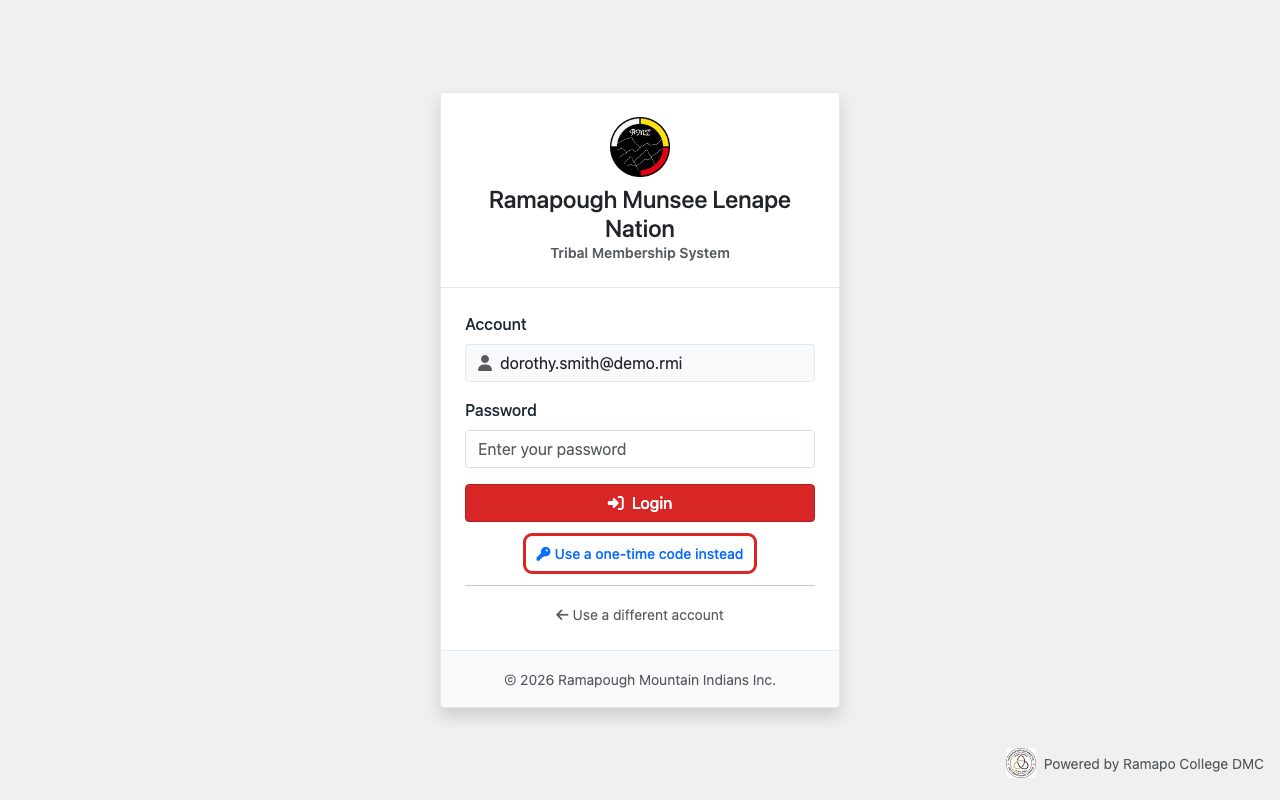
Click the link below the password field.
4
Check Your Email or Phone
A code has been sent to your email or phone.
The code is 8 letters and numbers.
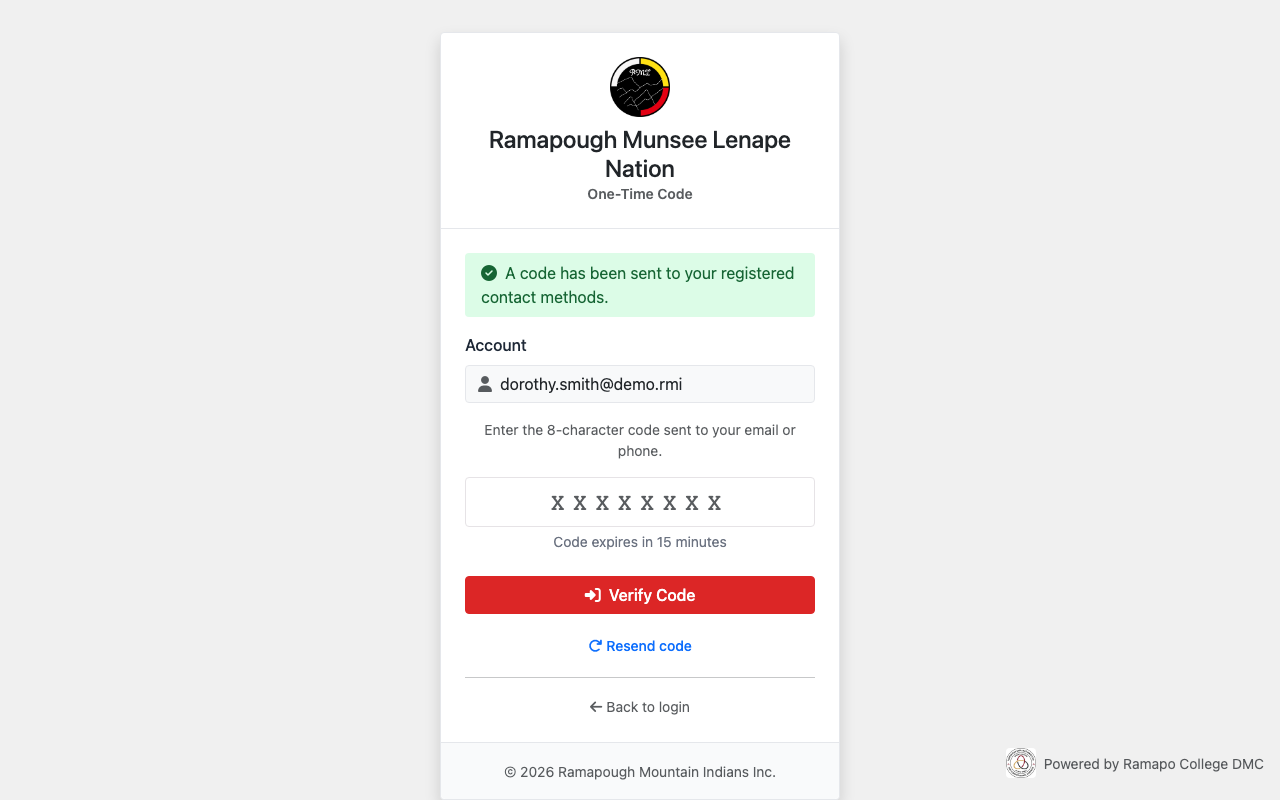
The code entry page.
Tip: The code expires in 15 minutes. If it expires, click Resend code to get a new one.
5
Enter the Code
Type the 8-character code you received.
Then click Verify Code.
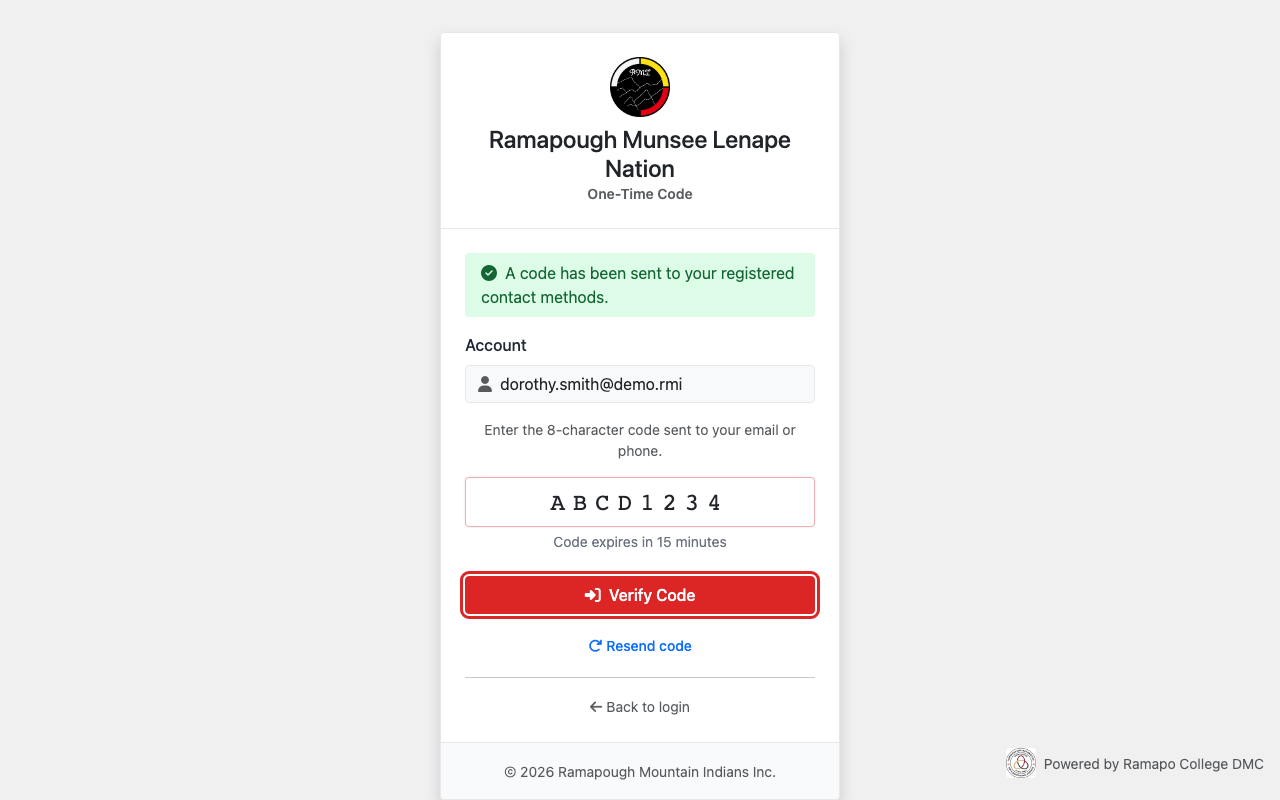
Type the code and click Verify Code.
6
You Are Logged In
You will see your dashboard. You are now logged in.
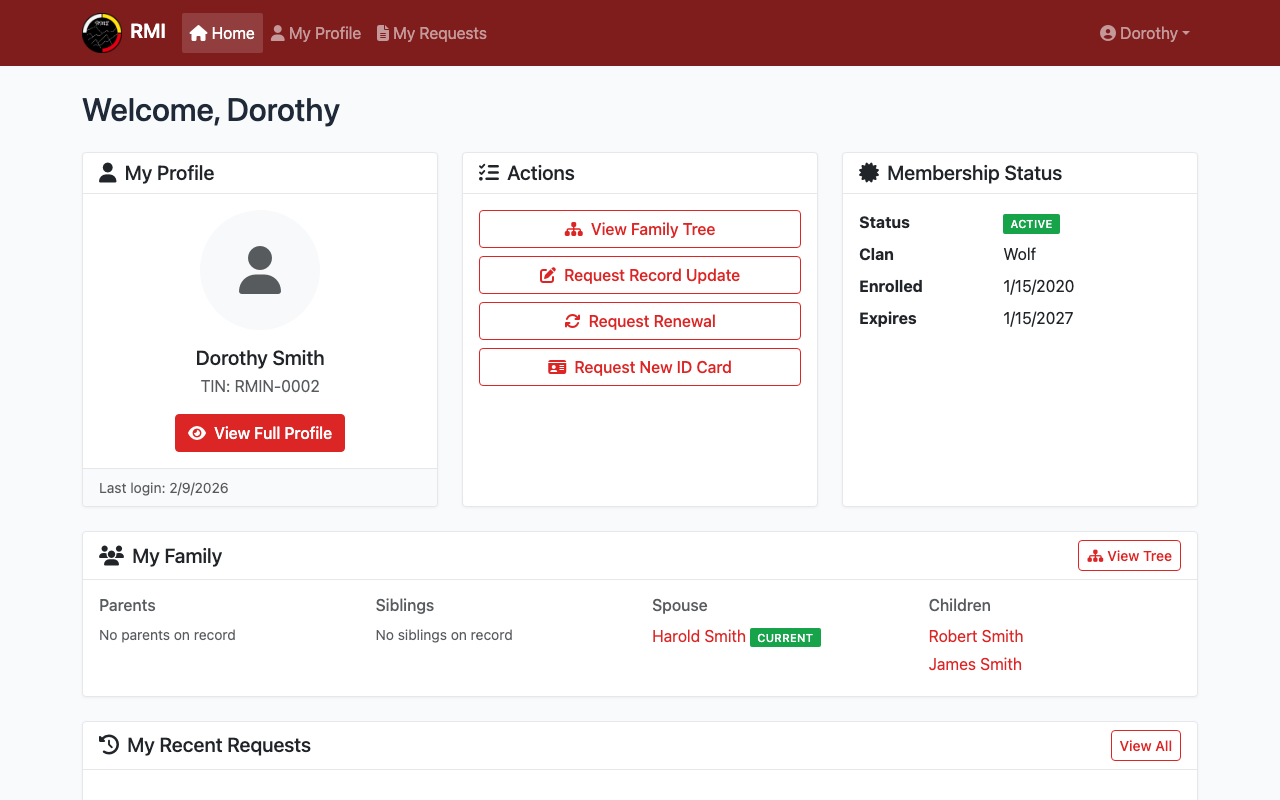
Your member dashboard after logging in.
What's Next?
- Set a password so you can log in faster next time.
- View your profile to see your membership details.