Apply for a New Account
Learn how to apply for tribal membership online.
Go to the Login Page
Open the membership website. You will see the login page.
Look for the words "Need to apply for membership?" at the bottom.
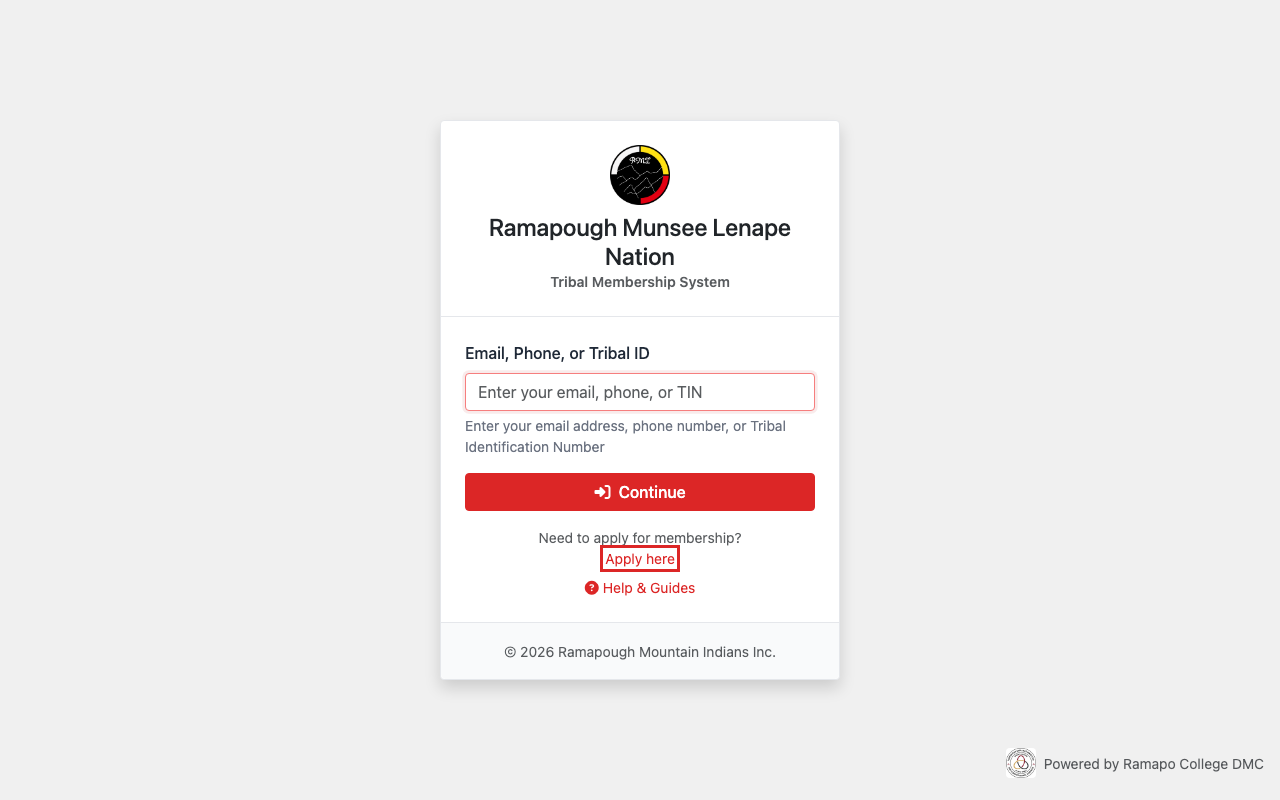
The login page. The apply link is at the bottom.
Click "Apply here"
Click the Apply here link. This opens the application form.
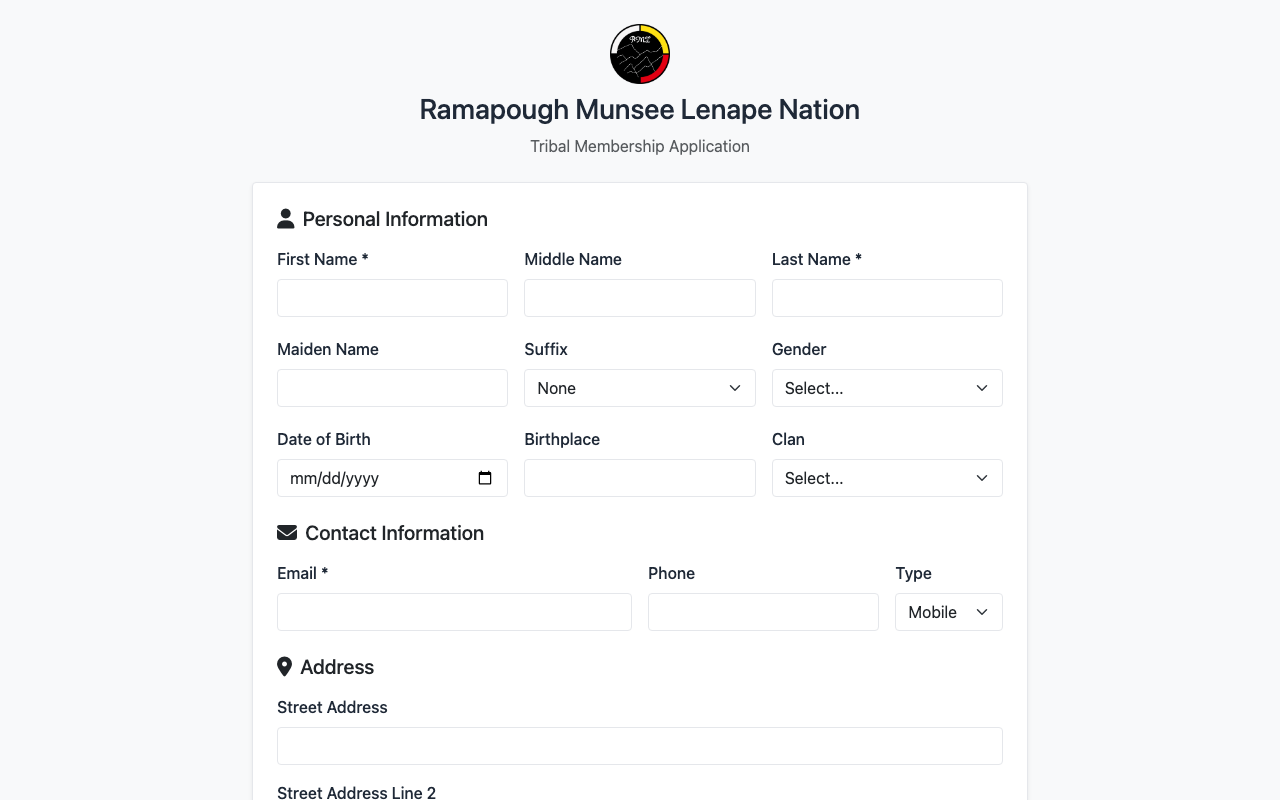
The top of the application form.
Fill in Your Personal Information
Enter your first name, last name, and other details.
Fields marked with a * are required.
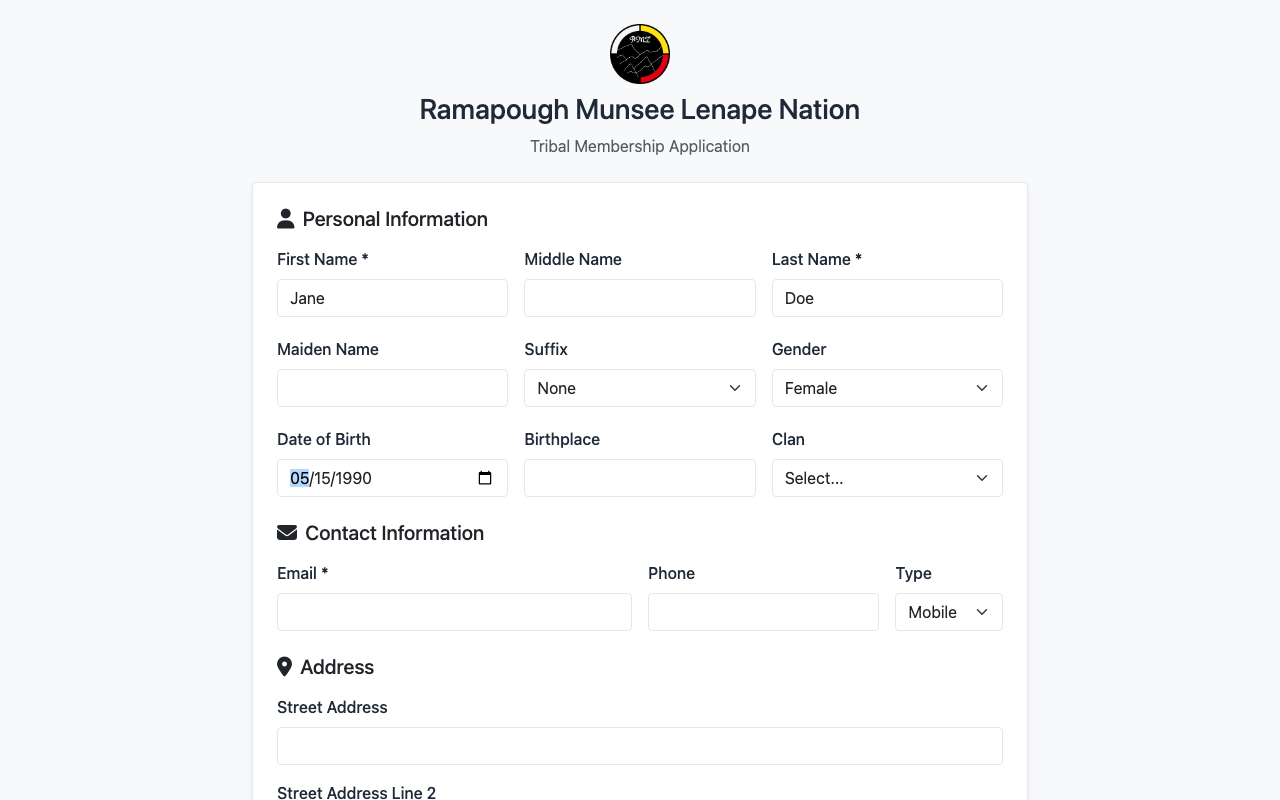
Fill in your name, date of birth, and gender.
Add Your Contact Information
Enter your email address. You can also add a phone number.
Add your home address below.
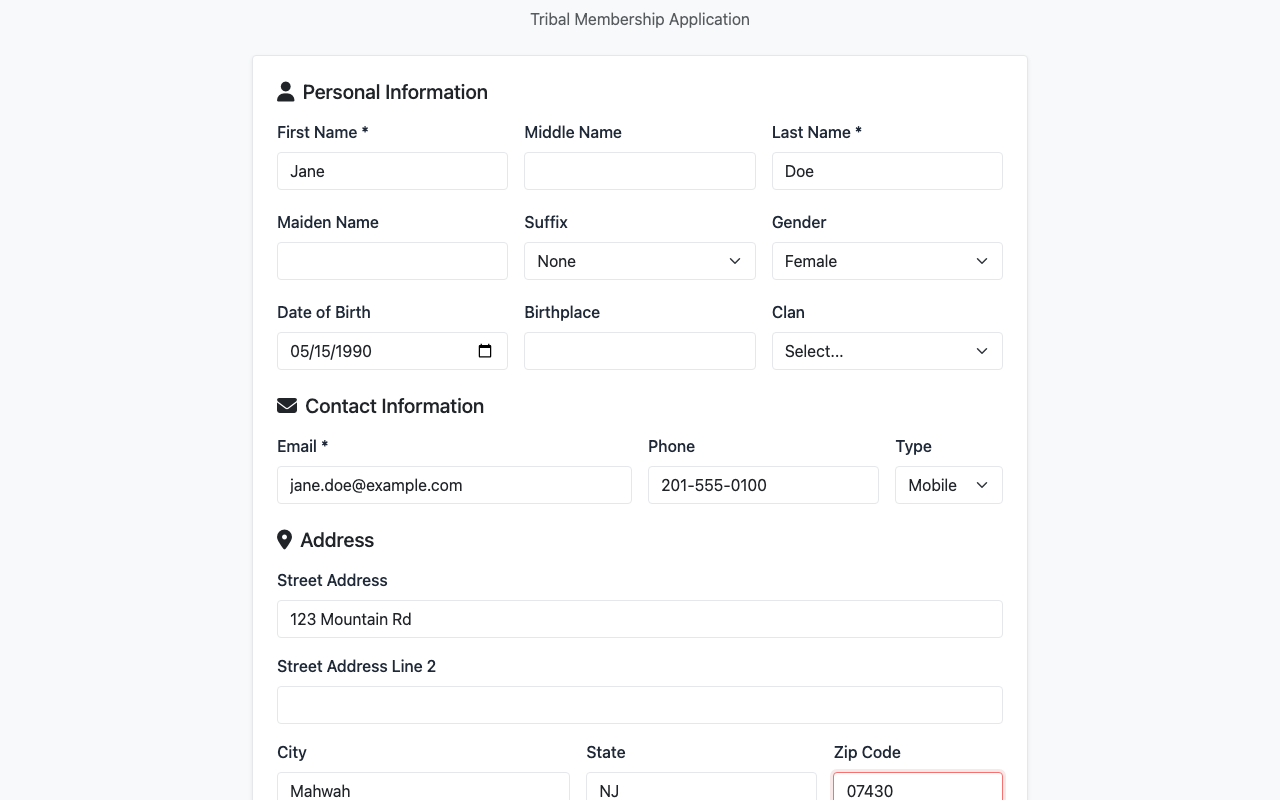
Enter your email, phone, and address.
Upload Supporting Documents
Click Choose File to attach documents.
You can upload a birth certificate, proof of lineage, or other papers.
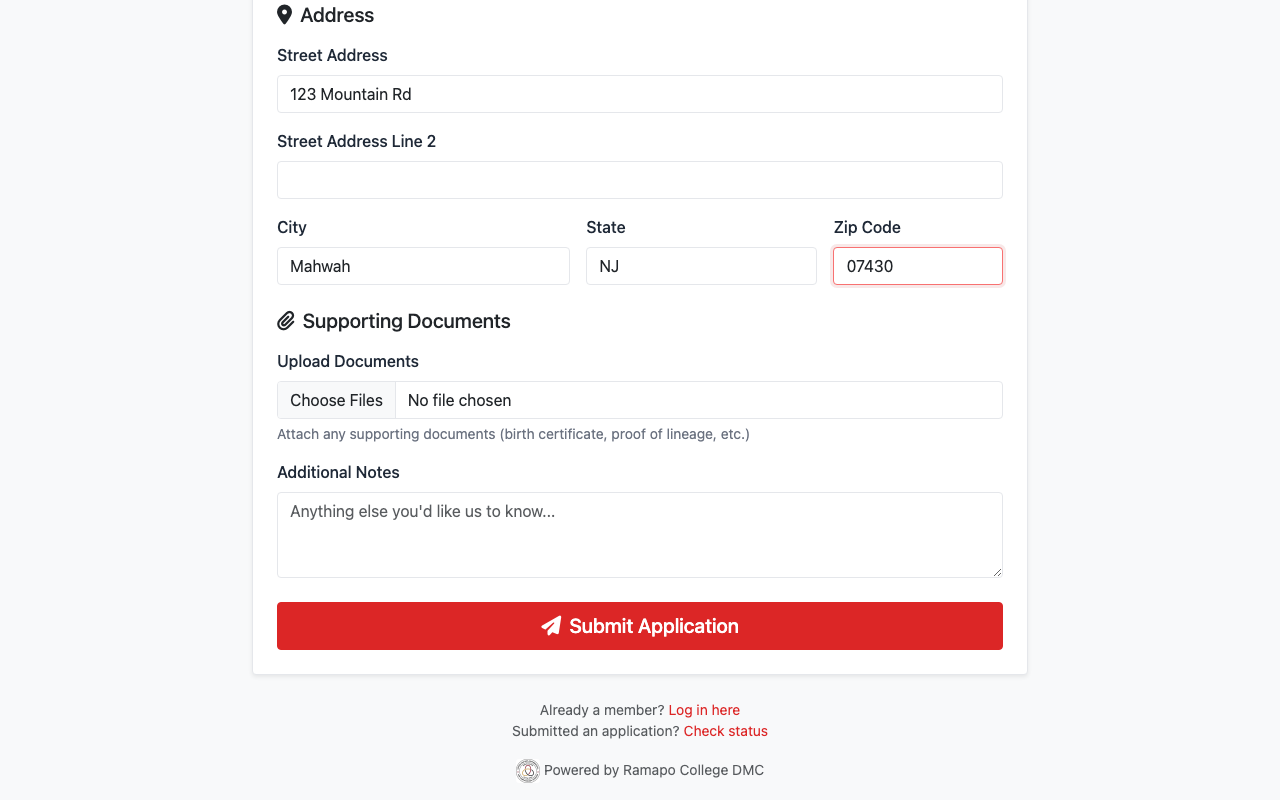
Attach any documents that support your application.
Submit Your Application
Click the Submit Application button at the bottom.
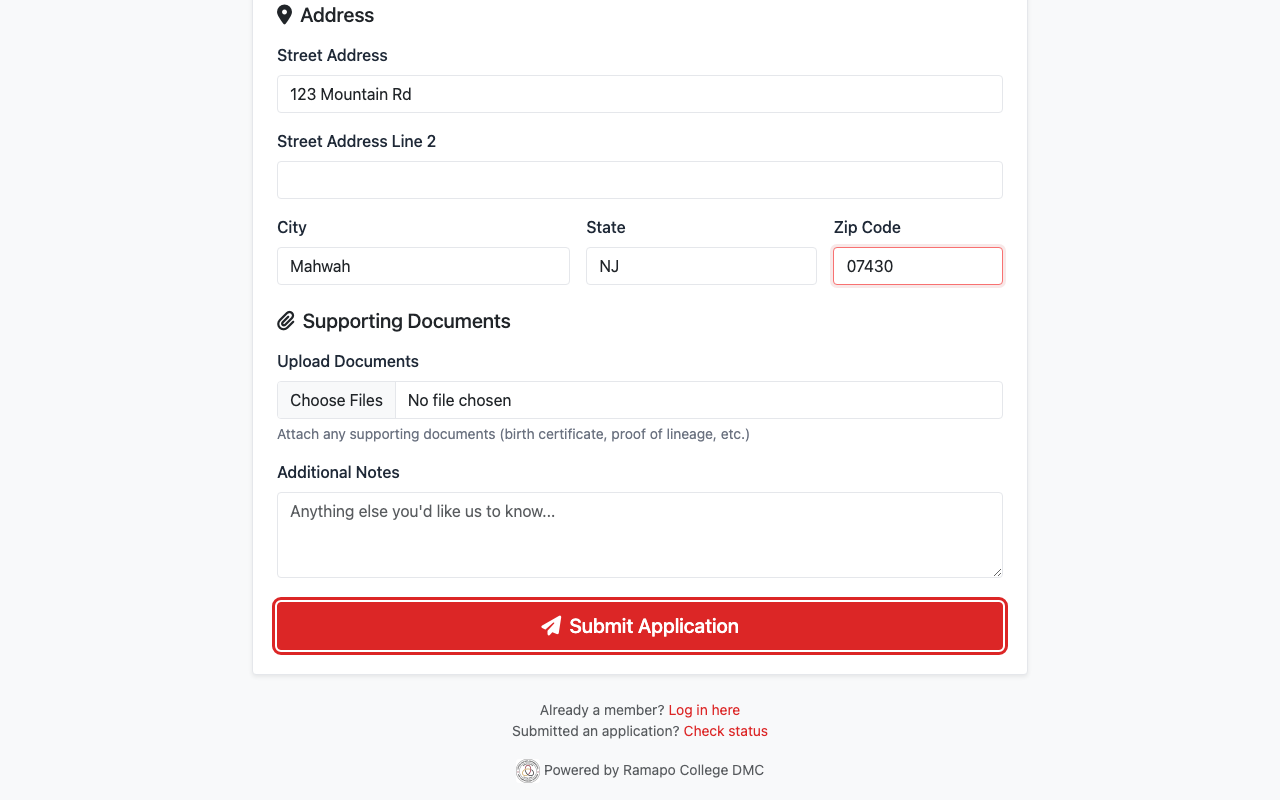
Click Submit Application when you are done.
Check Your Application Status
After you submit, you will see a confirmation page.
You can come back later to check your status.
Click Check status on the login page at any time.
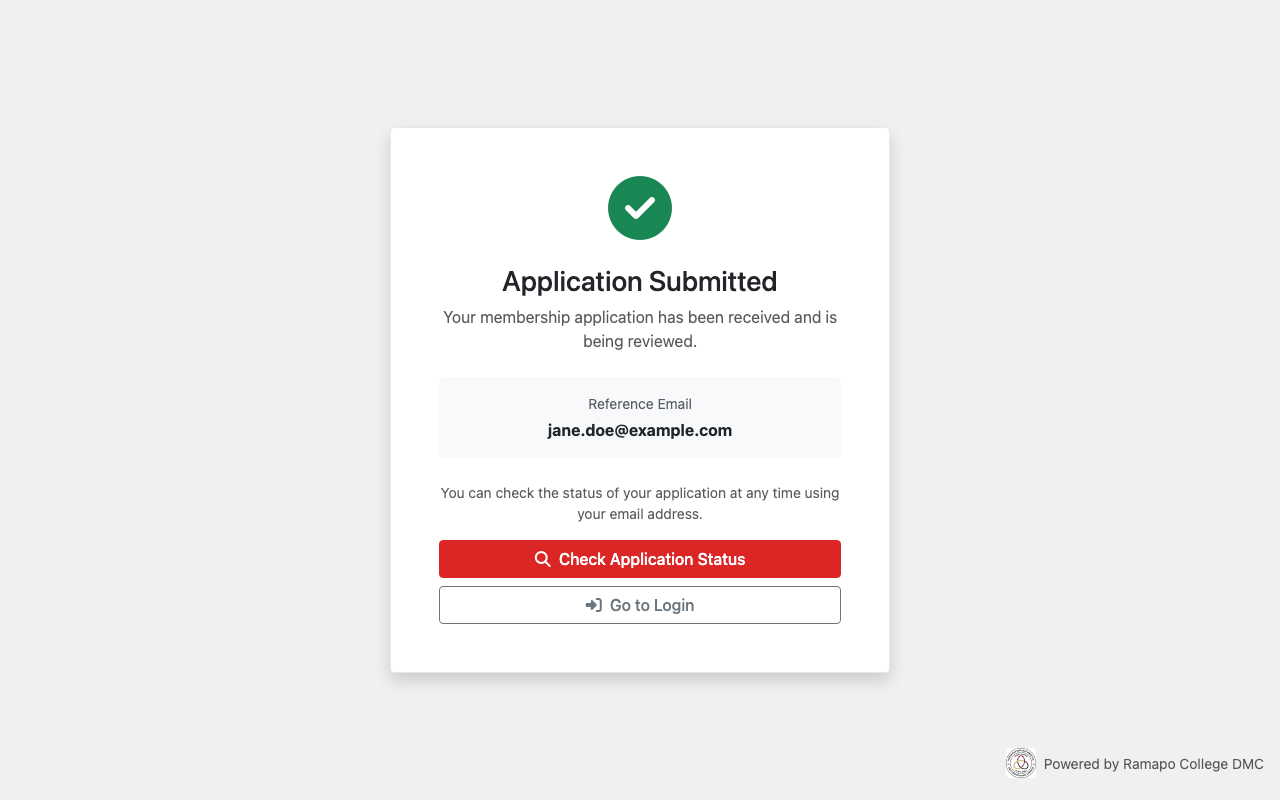
Your application has been submitted.
What's Next?
- Once your application is approved, you will get an email.
- Then you can log in with a one-time code.